
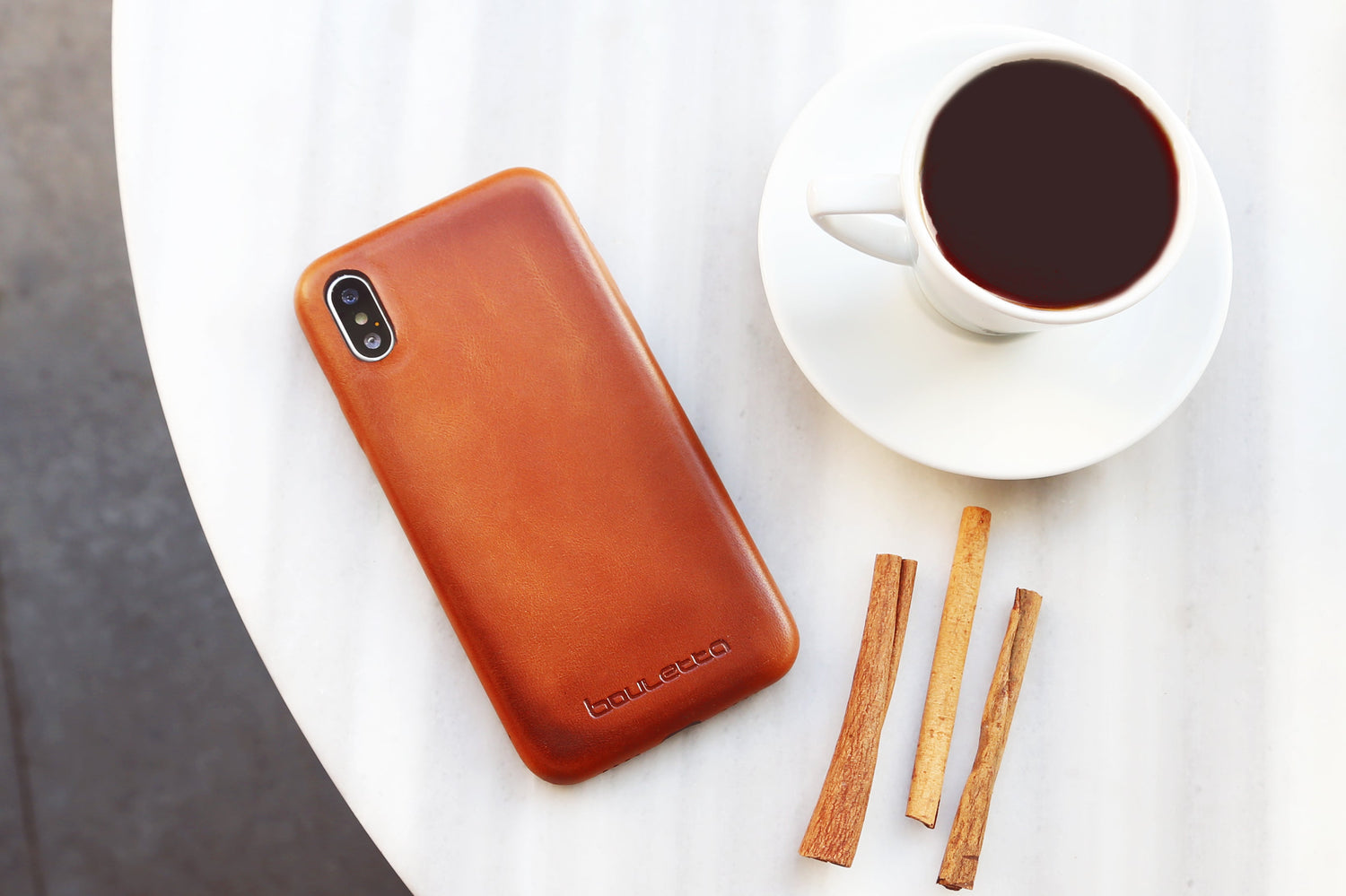
Leather desk accessories can turn a busy work surface into a calmer, more organised and more inviting place to begin the day. A well-chosen desk mat, mouse pad or agenda cover does more than add style, it gives everyday items a clear place and helps protect the surfaces you use most.
Returning to work after summer often feels like a fresh start. Your calendar fills up again, your desk becomes busier and the small details of your daily routine suddenly matter much more. A comfortable workspace does not need to be complicated, but it should make planning, focusing and moving through the day feel easier.
From cable organisers and cup coasters to a practical phone case, wallet or crossbody strap, the right accessories can connect your desk setup with everything you carry beyond it.
Start with a Clear and Comfortable Desk
A tidy desk cannot complete your work for you, but it can make it easier to begin. When your keyboard, mouse, notebook and daily essentials have clear places, you spend less time moving clutter or looking for small items.
Comfort matters too. The OSHA computer workstation guide explains that there is no single correct arrangement for everyone, but a workstation should support comfortable positioning and allow its components to be arranged around the user. Before adding accessories, check that your chair, screen and work surface suit your height and routine.
Once the basic setup feels right, choose accessories that serve a real purpose. The aim is not to cover every corner of the desk. It is to create enough structure for focused, comfortable work.

Define Your Workspace with a Leather Desk Mat
A desk mat is one of the easiest ways to make a work surface feel more organised. It creates a visual boundary for your keyboard, mouse and notebook while helping protect the desk from everyday marks and light scratches.
Leather desk mats and organisers also add texture without making the workspace look busy. Black works naturally in a modern or minimal office, while brown and tan shades bring warmth to white, wood or neutral desks.
Size is important. A large desk mat is useful when you want your keyboard and mouse on the same surface. A smaller option may be better for a compact home office or shared desk. Measure the available space first and leave room for items you reach for frequently, such as a phone, notebook or cup.
Add a Leather Mouse Pad for Everyday Focus
If you do not need a full desk mat, a leather mouse pad offers a simpler update. It gives your mouse a dedicated surface and helps keep the main working area visually balanced.
A mouse pad is also easy to move between home and office. It fits into a laptop bag, takes up little space and instantly makes a temporary workstation feel more familiar. This is especially helpful for hybrid workers who use different desks during the week.
For a coordinated look, choose a mouse pad that complements your desk, laptop sleeve or phone case. The colours do not have to match exactly. Similar warm tones can create a relaxed set, while black leather can provide a clean contrast.
Keep Plans Together with a Leather Agenda Cover
Digital calendars are useful, but many people still think more clearly when they write plans by hand. A weekly agenda can hold meetings, priorities, deadlines and quick notes in one visible place.
A leather agenda cover protects the pages from daily wear and gives a standard planner a more polished appearance. It can move from your desk to a meeting room or work bag without looking out of place.
The best planning system is usually the one you will actually use. Keep it simple: choose three priorities for the day, note fixed appointments and leave a little space for unexpected tasks. Personalising the cover with initials or a name can also make it easier to identify in a shared office.
Control Chargers with a Leather Cable Organiser
Charging cables have a habit of spreading across a desk or disappearing into a bag. A small leather cable organiser keeps frequently used cords folded and easier to find.
Use one for a phone cable, another for earbuds and a third for a laptop charger. If you travel between workspaces, assign each organiser to a particular cable so packing and unpacking becomes automatic.

This small change can make a surprising difference. Your desk stays clearer, cables are less likely to catch on other objects and the inside of your work bag becomes easier to navigate.
Protect the Desk with Leather Cup Coasters
Coffee, tea and water are part of most working days. They can also leave rings and small marks on a desk. A leather cup coaster set provides a simple place for your drink while adding another practical detail to the workspace.
Keep one coaster beside your computer and use the remaining pieces in a meeting space or reception area. A coordinated set is useful in both home and professional offices, and it can be personalised for an individual workspace or company setting.
Avoid placing a very hot or wet item on leather for long periods. Wipe moisture promptly and allow the coaster to dry naturally before using it again.
Choose a Work Bag That Supports Your Routine
A good desk setup should also be easy to leave at the end of the day. If you commute or work in several locations, your bag becomes the link between those spaces.
Leather laptop bags are designed for work, travel and daily organisation. When choosing one, look beyond appearance. Check the laptop compartment, overall dimensions, handles, strap and internal storage. The bag should fit your actual device and the items you regularly carry, without encouraging you to bring everything you own.
Use smaller organisers inside the bag for chargers, cards and personal items. This helps prevent keys or cables from rubbing against your phone, glasses or other delicate belongings.
Complete Your Back-to-Work Set
Organisation should not stop when you step away from the desk. A phone case, compact wallet and hands-free carrying option can make commuting, meetings and lunch breaks easier.
A Leather Phone Case for Work and Daily Life
A phone is often the most frequently handled item during a working day. It moves between pockets, desks, meeting rooms, cafés and public transport, so a protective case should fit both the device and the way you use it.
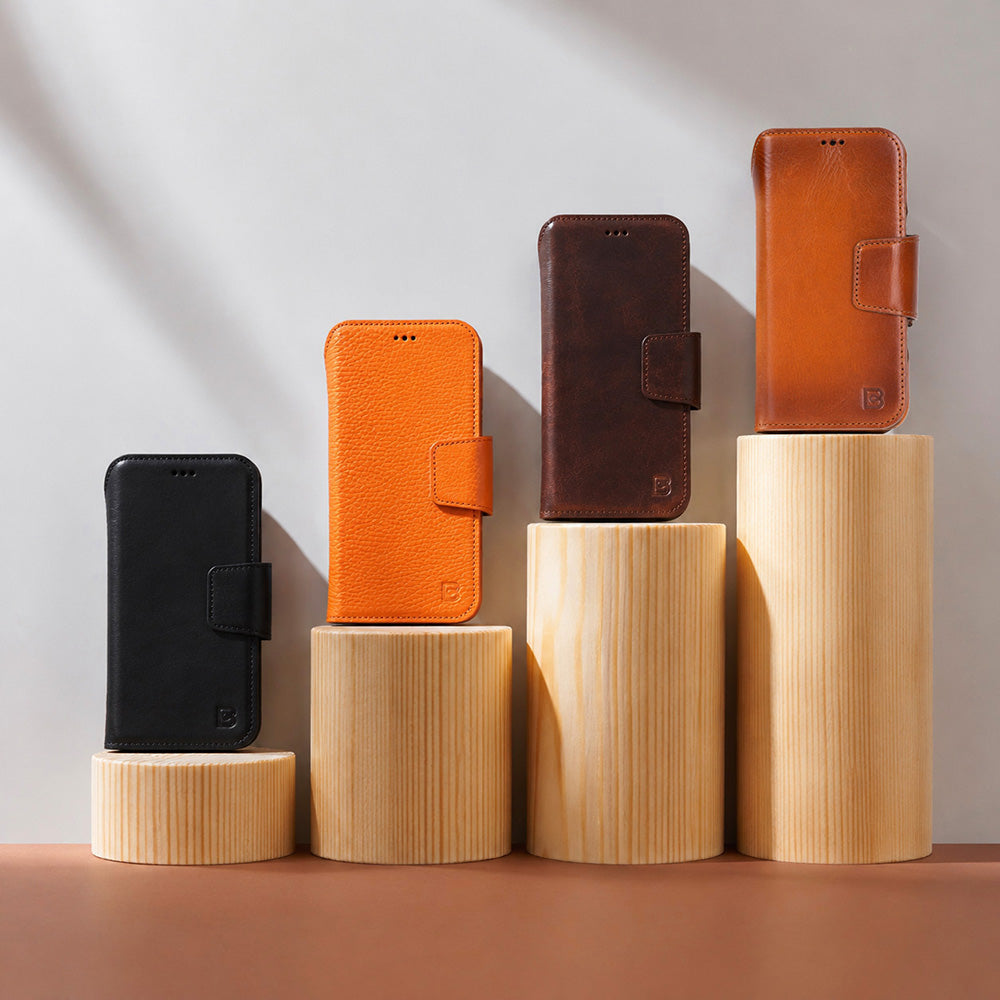
The leather iPhone case collection includes slim covers, wallet styles and card-holder designs for different routines. A slim case works well if you carry a separate wallet, while a folio or card-holder case can reduce the number of items you need for a short trip outside the office.
Always confirm the exact model before ordering because camera layouts and dimensions can differ even within the same iPhone family. Apple provides an official guide to identifying your iPhone model if you are unsure.

A Wallet or Card Holder for the Essentials
A large wallet is not always necessary for work. If you mainly carry a bank card, transport card and identification, a slim card holder may be enough. If you also need cash, receipts or several cards, a traditional wallet offers more structure.
Browse leather wallets and card holders according to what you genuinely carry. Choosing the smallest format that meets your needs can make a pocket or work bag feel noticeably lighter.
Personalisation can also turn a practical wallet into a thoughtful gift for a new job, promotion or graduation. You can visit our personalization page for more details.
A Crossbody Phone Strap for Hands-Free Carrying
A phone strap is useful when you are moving between meetings, commuting or stepping out for coffee without your full bag. It keeps the phone close while leaving your hands free for keys, a travel card or a cup.
The FlexGo Leather Phone Strap & Wallet Set combines an adjustable crossbody strap with a detachable leather wallet. Its included attachment patch is designed for use with many compatible phone cases, making it a flexible option when you want cards and your phone together without choosing a full folio case.
You can use the complete set for commuting, remove the wallet when you want a lighter setup or detach the strap when you return to your desk. That flexibility makes it especially practical for hybrid routines and busy working days.
How to Build a Coordinated Leather Set
A coordinated workspace does not require every item to come from the same colour family. Start with one main tone and add one complementary shade.
Black creates a clean, professional base and works well with most technology. Tan and saddle brown soften a modern desk and pair naturally with wood. Dark brown feels traditional without appearing too formal. If you prefer colour, use it on one smaller item, such as a phone case or agenda cover, while keeping the larger desk accessories neutral.
Texture also matters. Natural variations are part of genuine leather, so two pieces may not look completely identical even when the colour name is the same. This gives a leather set a more relaxed and individual character.
Simple Care for Leather Office Accessories
Regular, gentle care is usually better than frequent deep cleaning. Remove dust with a soft cloth, wipe small spills promptly and keep leather away from strong heat and prolonged moisture.
Before using any cleaner, check the product instructions and test it on a discreet area. The Leather UK care instructions recommend avoiding aggressive rubbing and soaking the material. After light cleaning, allow leather to dry naturally rather than placing it near a radiator or using hot air.
A little attention helps desk mats, mouse pads, wallets and phone accessories develop their natural character while staying ready for daily use.
Create a Workspace That Works for You
The best back-to-work setup is not the one with the most accessories. It is the one that removes small frustrations from your day.
Start with a desk mat or mouse pad to define your working area. Add an agenda cover if writing helps you plan, cable organisers if chargers create clutter and coasters if drinks are always beside your keyboard. Then consider how your phone, wallet and work bag support the moments between your desk, meetings and commute.
If you are also preparing a student for the new academic year, our guide to back-to-school leather essentials covers practical accessories for classes, study sessions and everyday travel.
With a few carefully chosen leather desk accessories, your workspace can feel calmer, more organised and more personal—ready for the new season and the work ahead.
Bouletta Leather is the Tale of Brightness and Motivation
Bouletta Leather was born from a love and passion for leather and transforming the material into something invaluable. Leather artisans, veterans, and foreign designers were the people making Bouletta Leather one of the top-notch brands and achieving unprecedented elegance in the people's mobile lifestyles worldwide. Bouletta, with its piece-of-art leather watch bands, versatile, functional yet eye-catching iPhone wallet cases, and ultrachic handbags and purses, claims to introduce you to sophistication in your mobile lifestyle. It provides durable, elegant, fashionable, and functional premium leather accessories with an overarching sense of impeccability. You stand out from the crowd wherever you go, thanks to our sleek, modern, and luscious designs having personalized options just for your needs. We believe that extraordinary should be a standard and be far from expensive. Making its own style, the Bouletta builds a community next to you.
Why do you not visit our website, select the customization option, and inform us so you can have a specifically designed Bouletta watch band, iPhone Case, or handbag for yourself?

Leave a comment
This site is protected by hCaptcha and the hCaptcha Privacy Policy and Terms of Service apply.